
How to Delete a Contract

This article explains how and when a contract can be deleted in the CLM system, what deleting a contract means, and how deleted contracts are handled.
🗺️ Overview
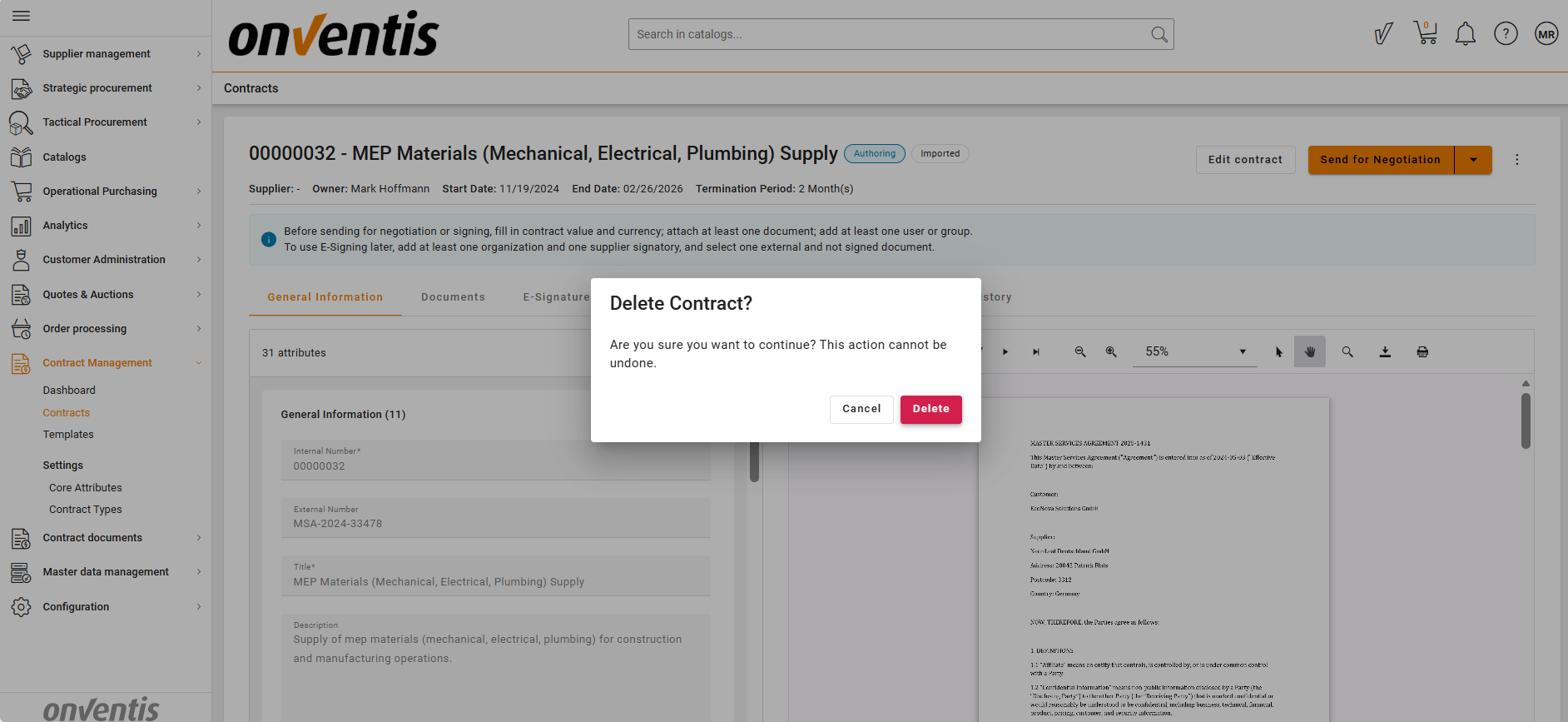
Deleting a contract is used to remove contracts that are no longer relevant and should not appear in the active workspace. Deletion in the CLM system is a soft delete, meaning the contract is hidden from everyday views but not permanently erased from the system.
This option is typically used during early contract stages, such as Draft or Authoring, when a contract is created by mistake, duplicated, or abandoned.
🧑🦱 Who Can Use This
Only the following roles can delete a contract:
CLM Power User
Other users do not see the delete option.
📑 When a Contract Can Be Deleted
After completing the Draft or Authoring phase, a CLM Power User can choose one of the following next steps:
Continue the contract lifecycle, or
Delete the contract if it is no longer needed
Deletion is available only at these early stages and is not intended for active or completed contracts.
📑 What Happens When a Contract Is Deleted
When a contract is deleted:
The contract is soft deleted
It is removed from:
The Contracts grid
Dashboards
The contract cannot be restored through the user interface
The contract data is retained in the system for safety and audit purposes
The Delete action is recorded in the Contract History log to ensure full traceability and auditability
Deleted contracts are not visible or accessible in daily operations.
Best Practices

💡 Tips for Effective Use:
Delete contracts only when you are certain they are no longer required.
Use deletion for contracts created by mistake or abandoned early in the process.
For contracts that have business or legal relevance, consider using Inactive or Archive instead of Delete.
Avoid deleting a contract while it is being edited by another user.