
How to Archive a Contract

This article explains how and when a contract can be moved to Archive, what the Archived status means for the business, and what actions remain available after archiving.
🗺️ Overview
Archiving is the final stage of a contract’s lifecycle. A contract is moved to Archive when it is no longer active and does not require further operational actions, but still needs to be retained for compliance, audits, or historical reference.
Once archived, a contract mostly becomes read-only, ensuring that its content remains stable while still accessible when needed.
🧑🦱 Who Can Use This
Only the following users can move a contract to Archive:
CLM Power User
Other users will not see the option to archive a contract.
💻 Moving a Contract to Archive
Contracts in the following statuses can be moved to Archive:
Authoring
Negotiation
Ready for Signing
Inactive
Once the contract is archived:
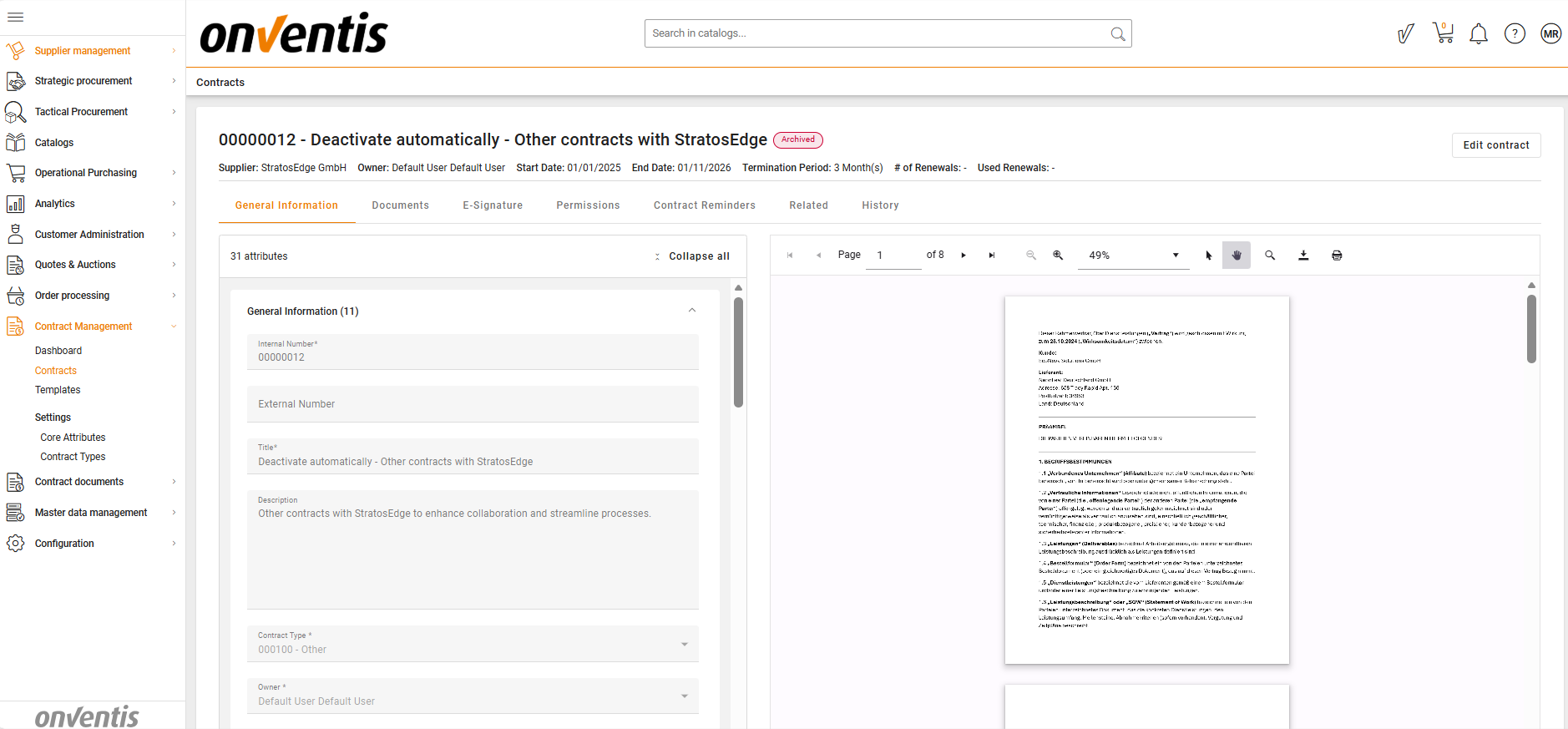
Its status changes to Archive and is displayed as such in the contracts grid.
An email notification is sent to inform CLM Power User and Editors/Viewers that the contract has been archived.
The contract cannot be transitioned to any other status. Archive is final.
🧑🤝🧑 Access and Editing in Archive
When a contract is in Archive:
CLM Power User can see the Edit button on the Contract Overview page.
Viewers and Editors can only view the Contract Overview page and do not see the Edit button.
Since only one editor is allowed at a time, users attempting to edit will see a warning message.
 What Can Be Edited in Archive
Even with edit access, only limited areas are editable:
Editable:
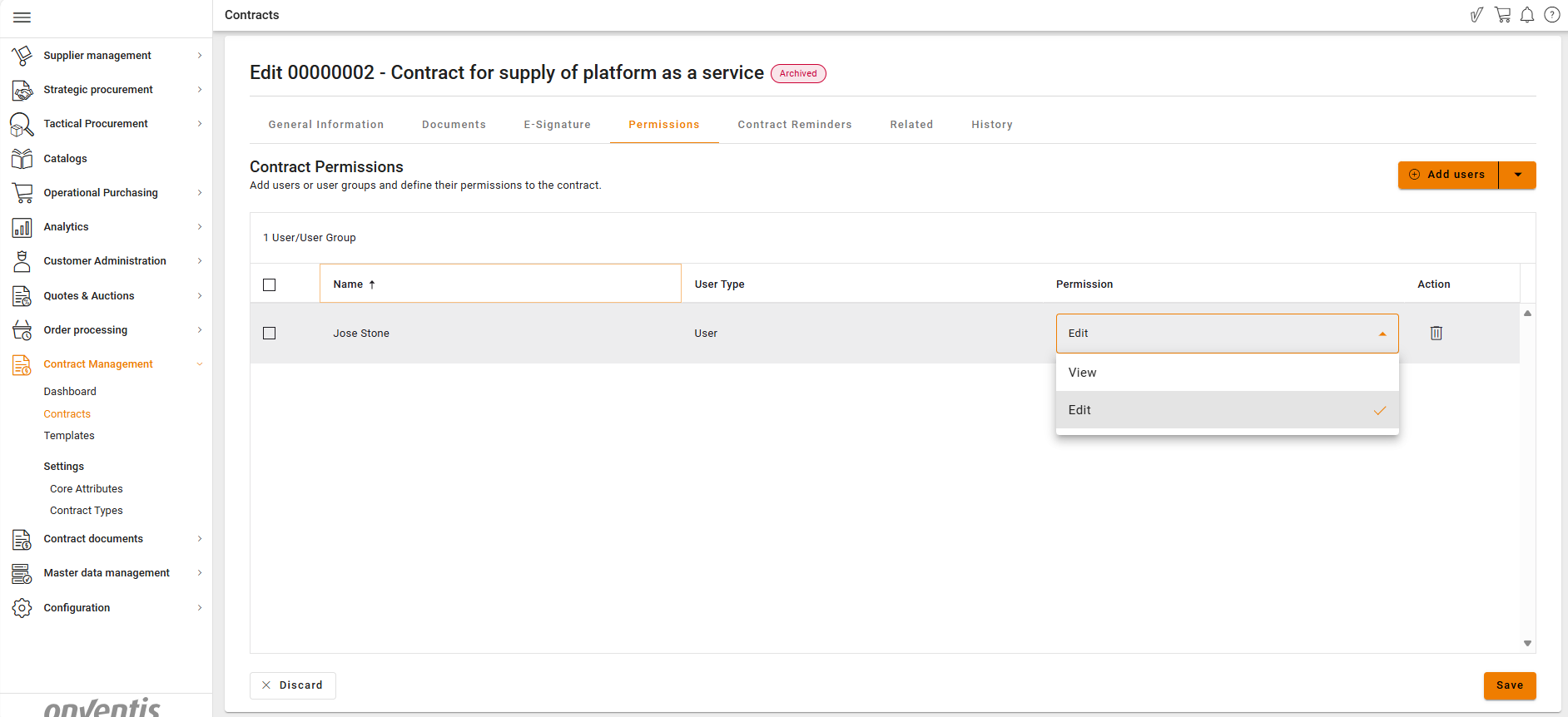
Related Contracts
User Permissions
Not editable:
Contract attributes
Contract documents
E-signature tab
Reminders
This ensures the contractual content remains unchanged while allowing necessary relationship and access updates.
Best Practices

💡 Tips for Effective Use:
Move contracts to Archive only when no further business actions are expected.
Use Inactive status first if there is any possibility the contract may need to be reactivated.
Avoid archiving contracts that are still being reviewed or edited by other users.